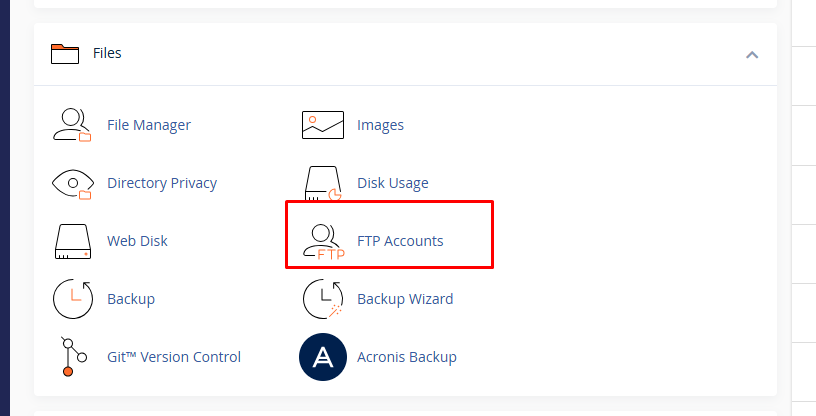
How to Import a MySQL Database in HawkHost cPanel
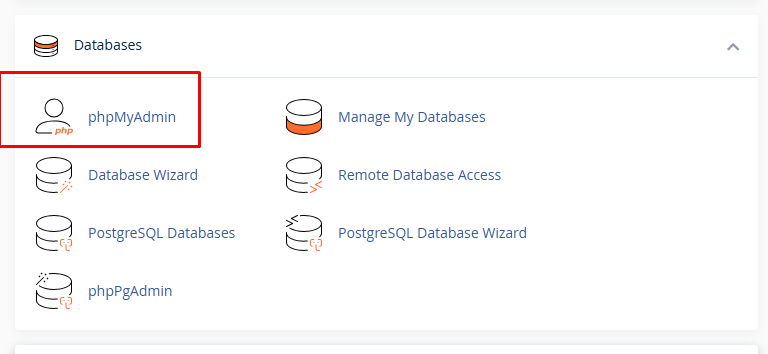
Importing a MySQL database is an important step when moving a website to a new hosting provider, restoring a database backup, or transferring a WordPress website to HawkHost. If you already have a database export file, usually ending in .sql, you can import it into a MySQL database through phpMyAdmin in HawkHost cPanel. After the … Read more
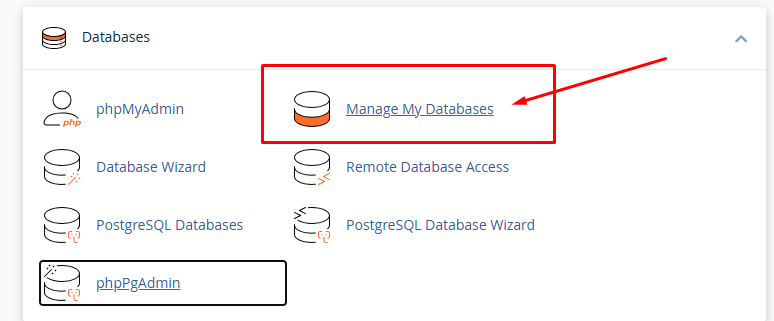
How to Create a Database in HawkHost cPanel

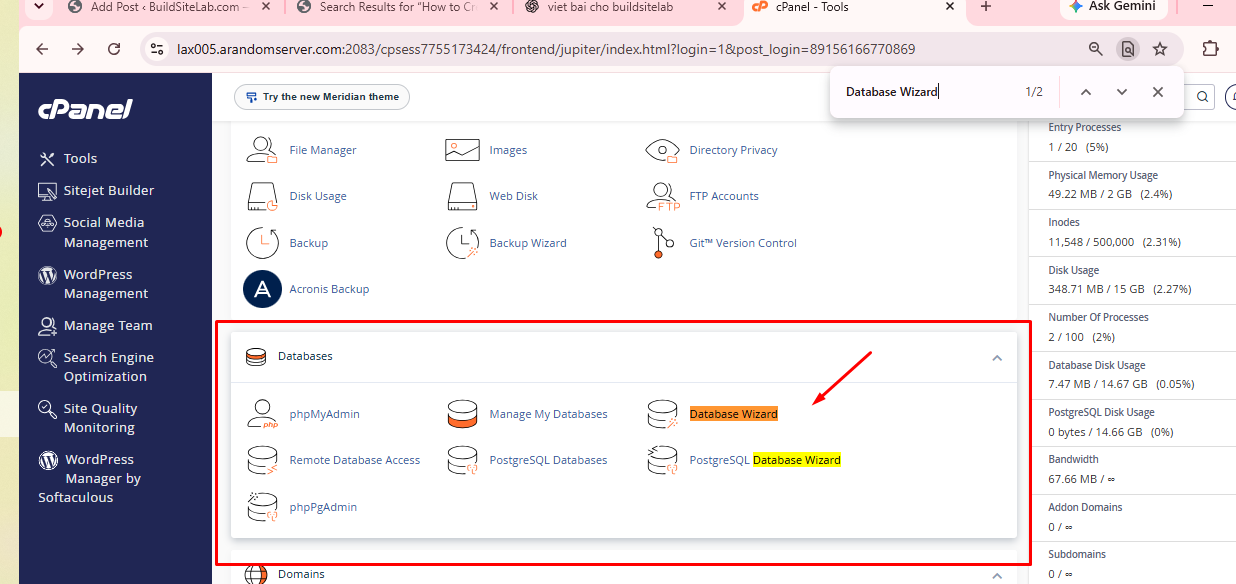
Creating a database in HawkHost cPanel is an important step when setting up a website, installing WordPress manually, or building a PHP application. A database stores information such as WordPress posts, pages, user accounts, website settings, and plugin data. To let your website access this information, you generally need to create a database, create a … Read more

How to Create a Cron Job in HawkHost cPanel

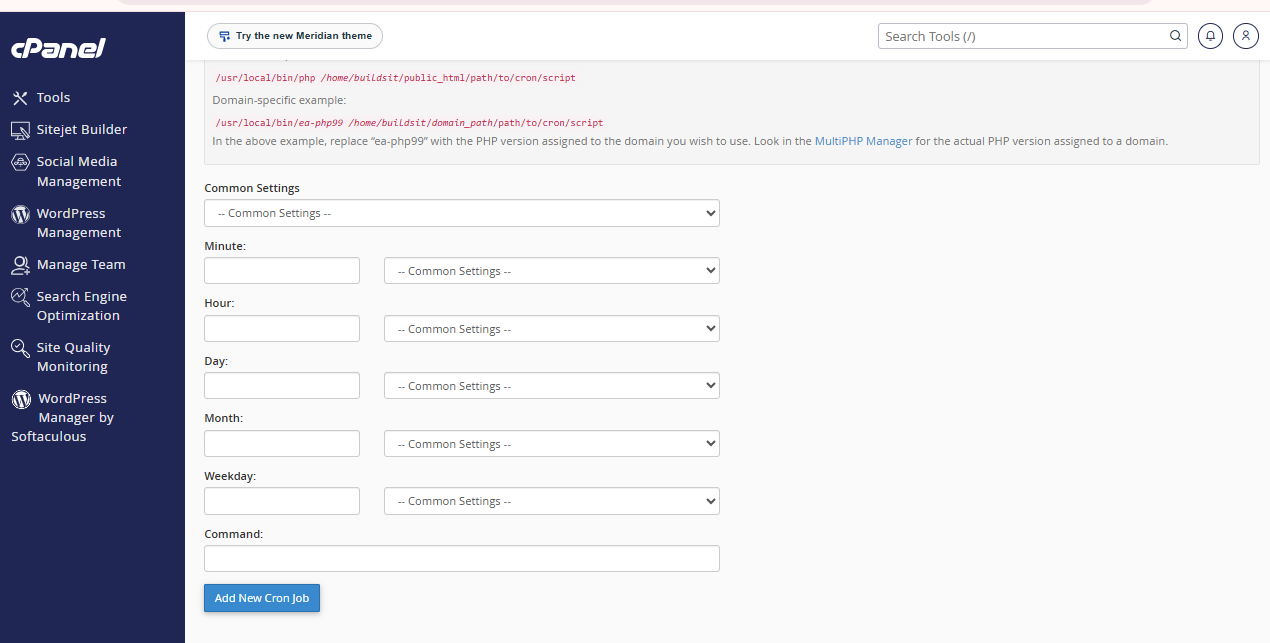
A cron job allows you to run a command or script automatically at a scheduled time. Instead of performing the same task manually, you can configure your HawkHost hosting account to execute it every few minutes, every hour, every day, or at another interval. Cron jobs are useful for WordPress maintenance, scheduled scripts, automated data … Read more

How to Increase PHP Memory Limit in HawkHost

If your WordPress website displays a “Fatal error: Allowed memory size exhausted” message, a plugin fails to load, or the WordPress dashboard runs out of memory during a task, you may need to increase your PHP memory limit. HawkHost provides a PHP Selector interface in cPanel that lets you adjust PHP settings without manually editing … Read more

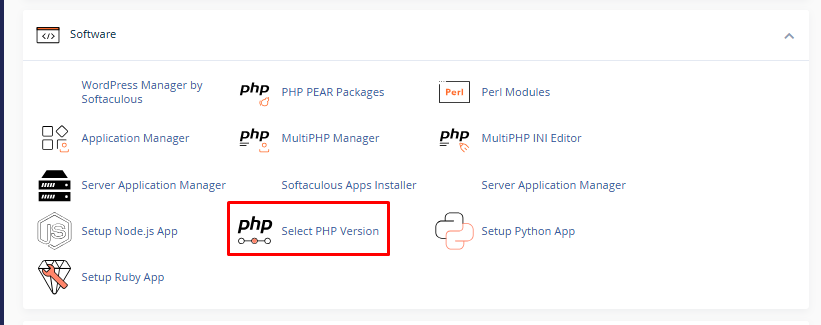
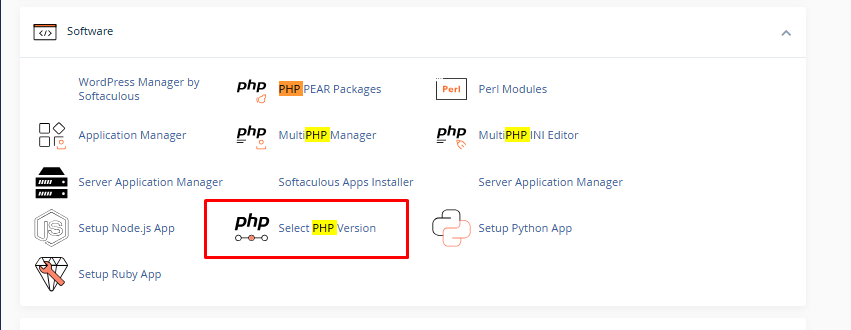
How to Change Your PHP Version in HawkHost

If you run a WordPress website on HawkHost, you may eventually need to change its PHP version. You might need to update PHP because WordPress recommends a newer version, a plugin requires a specific PHP version, or your hosting dashboard displays a warning that your current version is outdated. Fortunately, HawkHost allows customers on its … Read more

How to Access phpMyAdmin: A Simple Guide for Beginners

If you are working with a website or database, you may have heard of phpMyAdmin. At first, it might look a little complicated, especially if you are new to databases. But don’t worry — accessing phpMyAdmin is actually quite simple. Think of phpMyAdmin as a control panel for your MySQL database. Instead of typing complicated … Read more